Growth & productivity9 min
Handle peak demand without hiring: let AI absorb the volume
Apr 18, 2026
Every helpdesk tool claims the same thing: faster, smarter, all-in-one. This article gives a concrete framework for comparing customer service software, from AI depth to implementation time, so you choose based on what your team actually needs, not marketing language.

Comparing customer service software often feels like walking through fog. Every vendor promises faster resolutions, an AI that lightens the team's load, and everything working together seamlessly. The feature lists look nearly identical: tickets, email, chat, reporting, an AI button bolted on. Only once you actually use a tool does it become clear how big the gap is between the website copy and what happens in practice.
For a growing SMB team or a webshop that wants to take customer service seriously, that is a costly risk. The wrong choice means months spent working with a tool that almost fits, followed by a painful and expensive switch. This article isn't a brand ranking. It's a framework: the questions to ask yourself to determine whether a tool truly fits your team, regardless of the logo on it.
The premise is simple. Software supporting customer service needs to do three things well: understand the question, pull in the right information, and get the answer or action to the customer quickly. Anything that contributes to that is valuable. Everything else is noise you pay dearly for.
One thing up front, because it shapes how you read the rest. Most wrong choices come from comparing feature lists rather than actual use. Almost every package can do everything on paper. The difference lies in what happens without anyone doing anything, how quickly you're genuinely working in it, and what it costs as you grow.
The most important question you can ask yourself: what happens after a customer asks a question? For many tools the answer is 'a ticket gets created'. That ticket gets a label, a priority and a place in a queue, but the question itself hasn't been answered yet. Someone on your team has to do that manually, with all the waiting time that entails.
In every demo, ask concretely: what does the AI do on its own, without an agent typing? Look past 'does it suggest a draft'. Does it understand the question, pull in the right order or customer data, and give a complete and correct answer? The difference between a tool that registers and a tool that handles the work is large. The first team grows with volume, the second scales without adding people.
A concrete test that reveals a surprising amount: during the demo, ask them to handle a question the vendor hasn't prepared. Skip 'where is my order' from their own script. Use something from your own practice, in your phrasing, with an irrelevant detail attached. Demo environments are set up around the questions that go well; the deviation shows what the system falls back on.
Pay particular attention to what happens when the system doesn't know. A tool that honestly hands over to an agent with full context attached beats one that always answers something. The percentage of queries handled autonomously is a sales figure; what happens to the rest determines whether your team is happy with it day to day.
Implementation time is an underrated criterion. Enterprise helpdesk tools are often built for large organizations with an internal IT team and weeks for configuration. For an SMB team that means a long stretch of double work. The old and new tool run side by side, while the customer is not supposed to notice the transition.
Ask for a realistic timeline, not the best-case scenario from the sales pitch. How many days until your channels are connected? How much time does it take to fill your knowledge base so the AI gives good answers? Do you need to hire a consultant, or can your team do it themselves? A tool that delivers value the same day is often worth more to a growing business than a tool with more features you won't use for three months.
Also ask what happens to your existing history. Do open conversations and old tickets come along, or do you start empty? That seems like a detail until the first customer calls about something from last month and nobody can find what was agreed. Migrating history is laborious and rarely mentioned unprompted in sales conversations.
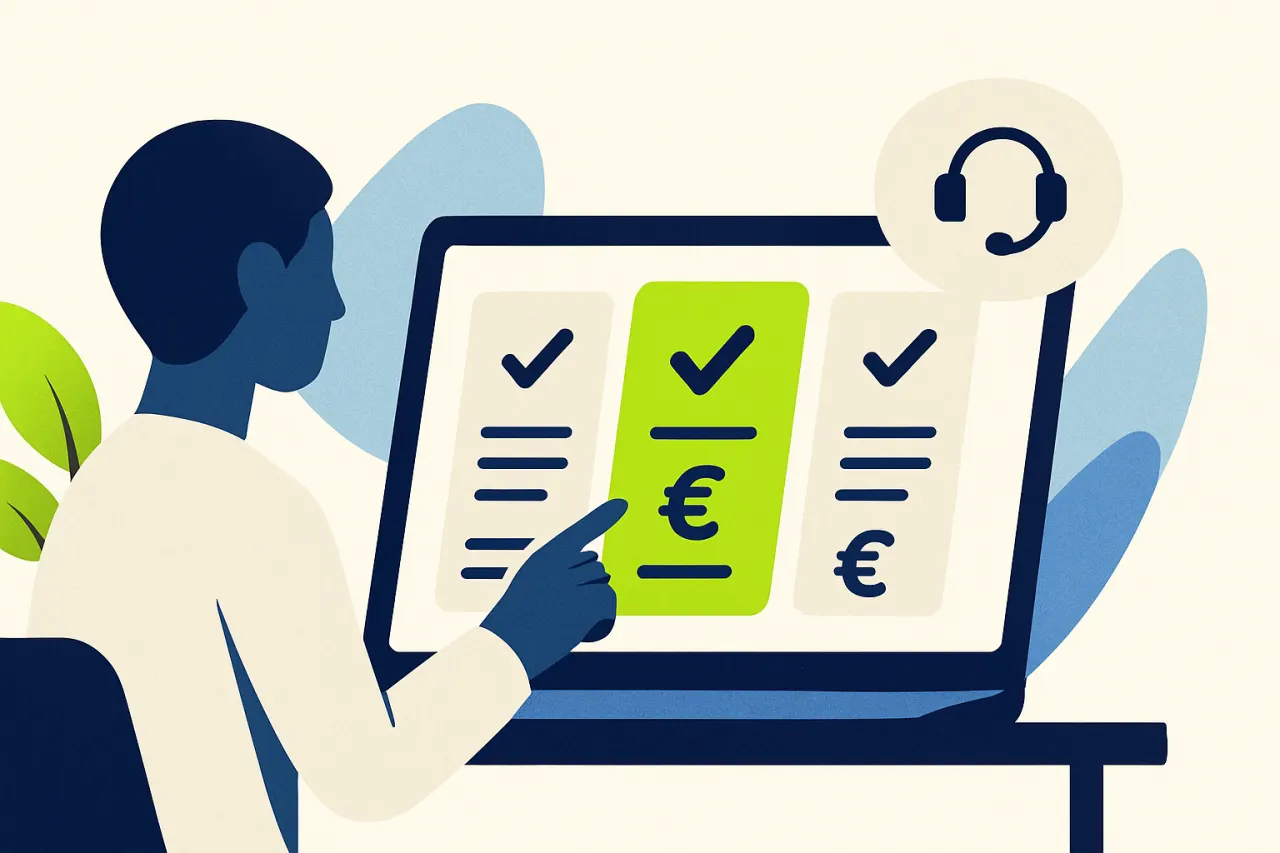
The price on the website is almost never the whole story. What matters more: what happens to the price as your team grows from three to eight people, or if your volume doubles during a peak period? Some tools charge per agent, others per conversation or per AI action. Calculate both scenarios for your current situation and for a year from now, and only then compare.
Also look at what's sold as an add-on. AI functionality, extra channels like phone or WhatsApp, and advanced reporting are hidden behind a higher tier in some tools. You're then not comparing two equal packages, but a basic tool against one that already has everything on board. Ask explicitly: what's not included in this price, and what does that cost separately?
Don't calculate with the licence alone. The real cost of a package often sits in what surrounds it. Implementation, integrations that turn out to be custom work, a consultant for changes you can't make yourself. And your own team's hours during the transition. A cheap licence with expensive adjustments costs more over two years than the reverse.
For a webshop this might be the most concrete difference. A tool that only registers email and chat can never say where a package is or when an order shipped. A tool that connects directly to your webshop, shipping partner and payment provider can. That is the difference between a customer getting an answer straight away and one waiting for an agent to look it up.
Ask concretely which platforms are natively connected, and which are via an external integration or not at all. During a demo or trial, test a real WISMO question: 'where is my order', and see whether the answer contains the current status or a generic apology.
The best way to compare software isn't reading the feature list, it's watching one real customer question play out start to finish in a demo.
This criterion is almost never included and is precisely the one you come to regret. Your customer contact is one of your most valuable datasets: every question, every answer and every agreement with a customer sits in it. The moment that dataset isn't unambiguously yours, you're tied not just to a tool but to a vendor.
So ask concretely what an export looks like. Do you get your conversation history in a readable, reusable format, including attachments and the link to the customer? Or a list of tickets without the surrounding content? Can you produce that export yourself at any time, or do you have to request it? A vendor who gets uncomfortable there has already given you the answer.
Also look at where the data sits and who can access it. For European companies storage within the EU is often a requirement, and with AI functionality comes the question of whether your customer conversations are used to train models. That isn't a theoretical concern: it's the difference between a processor handling your data for you and a party that also benefits from it.
Finally, record what happens if you cancel. How long do you have access afterwards, and what does an export cost at that point? These arrangements are easy to make at the start of a relationship and nearly impossible at the end.
The last criterion is the least measurable and in practice the most decisive. Customer service software is used all day by the same people. If the program feels slow, takes too many clicks or is laid out illogically, those people will work around it. They keep their own list, they email outside the system, and within six months your records no longer reflect reality.
So have the tool judged by the people who'll use it, not only by whoever buys it. Those two look at different things: a buyer sees features and price, an agent sees how many actions an average query takes. During a trial, ask them to handle five real queries end to end and simply count the clicks and screen switches.
Pay attention to what the system does with knowledge that lives in people's heads, too. A tool that makes it easy to record a good answer at the moment it's given builds a knowledge base by itself. One where that's a separate project never gets that knowledge base, because separately scheduled documentation work doesn't happen.
There's one practical test that predicts a lot. Can someone on your team adjust a standard reply or amend a rule themselves, without calling the vendor? If not, every small improvement in future becomes a request with a lead time, and in practice almost nothing ever changes.
Cuego is built around exactly these four questions. AI sits at the core of the platform rather than bolted on as an add-on. It understands the question and consults your knowledge and connected systems. Then it prepares a complete answer or handles the case itself. Teams are typically live within a day, without a months-long implementation. Webshop data, shipping partners and payment providers are connected by default. The AI knows where a package is from day one, with no separate configuration.
Want to experience what that framework looks like with your own examples? See how Cuego compares to Zendesk, Gorgias or Freshdesk, or request a demo with your own real-world questions.
Cuego
cuego.io
Your Cue to Go.
The Customer Contact Platform where conversations, customer data, knowledge, workflows, people and AI come together. Book a 30-minute demo and see it against your own situation.
30-minute demo · then we set it up together
Rather look for yourself first? Take the free website scan
See also
Everything in Cuego connects. Discover the modules, solutions and integrations that belong with this.