CRM & customer management10 min
How Customer Data Transforms Your Communication
Feb 5, 2026
A CRM is not an address book but the memory layer under every customer conversation. Bringing order history, earlier contacts and context together in one place produces answers that are right and relationships that last. This article shows step by step how to use a CRM to lift your customer service to a structurally higher level.
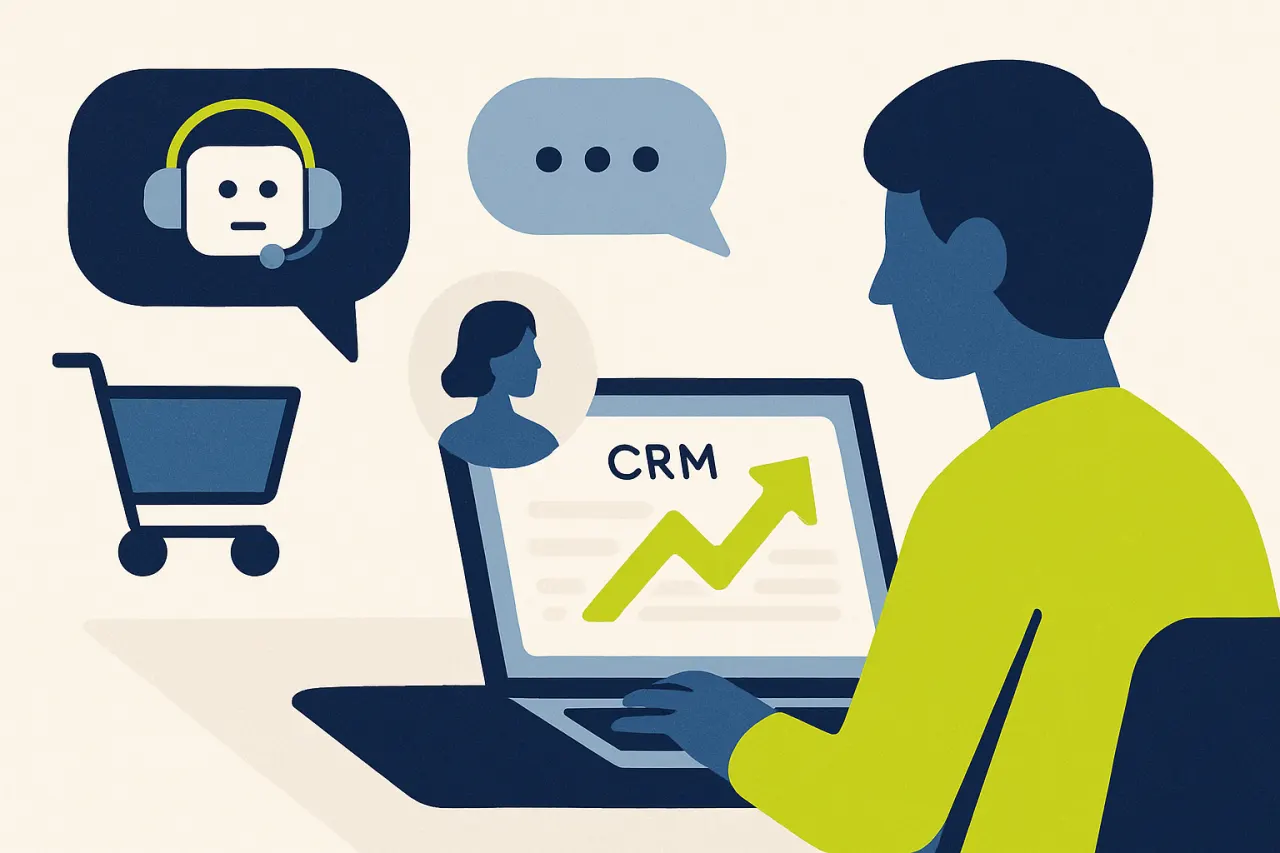
Customer service is rarely judged on individual answers. The verdict forms across the whole relationship. Does a company remember what was discussed before? Does it recognise the customer without making them explain everything again? Does a promise from last week still hold this week? That is exactly where the CRM comes in. A CRM, short for customer relationship management, is no longer the digital rolodex it once was. It is the memory layer under every conversation. The system knows who the customer is and what they ordered. It knows what they called about before and what is still open.
Many smaller web shops and service teams run for a long time without a real CRM. The order data sits in the web shop, the conversations in the inbox, the phone notes in someone's head or on a sticky note. That works until volume grows and the separate parts no longer agree with each other. A customer who calls about a return gets a different story than the customer who emails about it, simply because the two channels know nothing about each other.
This article covers what a CRM really does in customer service and which mistakes teams make during setup. Then comes a concrete step plan to deploy a CRM so that every conversation becomes more personal, faster and more correct. The common thread: a CRM improves your service not through more fields, but by placing the right context next to the conversation at the right moment.
Without a central customer view, a service team pays a silent bill every day. The first item on that bill is time. With every conversation an agent starts by searching: which order is this customer in, what was the previous question, has anything already been promised? That searching costs perhaps a minute or two per conversation, but across thousands of conversations a month it adds up to days of work that add nothing for the customer.
The second item is errors. Whoever answers without context answers on assumptions. An agent promises a delivery time without seeing the real shipping status, or confirms a cancellation that was long since handled differently in another channel. These are exactly the conversations that return later as a complaint or a reopened ticket, with a customer who now carries both the original problem and the broken trust.
The third item is the repeat question, and the customer feels that one hardest. Whoever has to tell their story for the third time because the system does not know the previous contact feels like a number. For a company that competes on service rather than the lowest price, that is the most expensive item of all. It undermines exactly what it is trying to win on. A CRM solves these three items at once: it makes the customer view immediately available, grounded and shared across all channels.

A CRM lifts your customer service not by storing more data, but by linking the right context to the conversation. Whoever knows the customer at the moment they reach out answers personally, prevents errors and builds a relationship instead of separate transactions.
Filling a CRM with everything you know about a customer sounds thorough but backfires. A pile of unordered fields actually makes searching slower. So start the other way around: which information changes the answer in a service conversation? For most service teams that is name and contact details for identification. Then the order history with status and tracking. And beyond that, open returns, earlier tickets and the customer's preferred language.
A concrete example makes it sharp. For the question ‘where is my order?’ the difference between a useful and a useless answer is exactly the order status and the tracking. A date of birth or a newsletter preference does not change that answer. So do not collect everything, collect the right things, and keep the customer view structured enough that an agent sees at a glance what matters.
The relevant data rarely lives in one place. The web shop holds the orders, the mail system the conversations, the phone the call logs and chat its own history again. The goal of a CRM is that all those sources come together at the level of the customer, not the channel. So connect your web shop and other systems so an incoming conversation automatically pulls up the matching file.
The difference this makes is large. When a customer who emailed yesterday about a faulty product calls, the agent should see that conversation right next to the phone note. Without a central customer view those two contacts remain separate islands and the customer tells their story again. With a central customer view it is one continuous conversation across channels, which is exactly how a customer experiences it too.
A customer view is only valuable when the conversation is attached to the right person. So work with a fixed matching order: an email address is the strongest key, a phone number the second, an order number the third. Never let the system guess when in doubt, because a conversation attached to the wrong customer is more dangerous than a conversation without a match.
If there is no match, that itself is usable information. The agent or the AI then knows that identification must happen first, for example with an order number, before anything is said about a specific order. That prevents not only errors but also a privacy risk, because you never give order information to someone whose identity you have not established.
A CRM that only stores data behind the scenes adds little. The gain appears when the customer view sits visibly next to every conversation. For an agent that means orders, earlier contacts and notes in a panel next to the conversation, so there is no need to search again. For an AI customer service agent it means the same context serves as input for the answer.
Crucially, the AI may answer only on the basis of that context and the knowledge base. If the data is missing, the AI says so honestly. It asks a follow-up or hands over to a human, instead of filling an empty field with an assumption. That turns the customer view into a shared layer that gives human and AI the same ground under their feet.
A good CRM grows with every conversation. A short note about the agreement that was made. A tag that flags a customer as sensitive about delivery times. A follow-up action queued by date. These are the things that bring the next agent up to speed immediately. Without that layer every conversation starts at zero again, even when the order data is present.
Preferably link those follow-up actions to tasks and follow-up, so a promise is not only in the file but also actively guarded. A commitment to call back within three days should become a task with a deadline, not a good intention that evaporates in the rush. That turns the CRM not only into a memory, but also into an agenda that lets nothing slip.
The most underestimated step is keeping the data alive. A file that shows yesterday's order status gives the customer yesterday's promise. So make sure the connection with the web shop and the carriers is live, so the status in the CRM always reflects the real status. Outdated context is in practice more dangerous than no context, because agents rely on it.
Also plan a fixed moment to clean up pollution: duplicate customer records, wrongly matched conversations, tags nobody uses anymore. A CRM that stays clean stays fast and reliable. A CRM that silts up with clutter slowly becomes a system agents bypass, and then you are back at the loose inbox and the sticky note.

Setting up a CRM is not a one-off job, and the gain is only real if you can read it off. The first signal is the match rate: for what share of conversations does the system automatically find the right customer file? A low match points to a connection or identification problem and is often the first place to find improvement. A high match means agents and AI start almost every conversation with the right context.
The second signal is the average handling time. If it drops once the customer view sits next to every conversation, that proves the search time really disappeared. Combine that with the share of reopened tickets. When it falls, answers were more often right the first time because they were based on real context instead of assumptions. Both numbers together tell you whether the CRM works or merely exists.
The third signal is qualitative and at least as important. Read a handful of conversations each week and judge whether the answer matched the customer's situation. An answer that is correct but generic counts as half. Based on what you see, adjust the connected fields, the note-taking discipline and the AI's instructions. A good customer view is an ongoing process you steer with real conversations, not a project that is finished once.
A shared inbox organises the conversations themselves: who picks up which question, what is the status, which channel. A CRM organises the customer behind those conversations: order history, earlier contacts and notes. The two reinforce each other. In Cuego they sit in one environment, so the customer view stands right next to every conversation in the inbox instead of in a separate system.
A CRM lifts your customer service not by storing more data, but by placing the right context next to the conversation at the right moment. Whoever knows the customer at the moment of contact answers personally, prevents errors and builds a relationship instead of separate transactions. The gain is not in a heavier system, but in a better customer view that is shared across all channels and kept alive.
Start with the fields that truly change answers. Bring your sources together into a central customer view and match every conversation to the right customer. Make sure notes and promises become follow-up actions instead of good intentions. Go deeper with the central customer view. See how commerce customer data lands in every conversation and read how to make follow-up watertight. And see how a shared inbox puts the conversations themselves in order. Curious what a conversation with the full customer view looks like? Book a demo.
Cuego
cuego.io
Your Cue to Go.
The Customer Contact Platform where conversations, customer data, knowledge, workflows, people and AI come together. Book a 30-minute demo and see it against your own situation.
30-minute demo · then we set it up together
Rather look for yourself first? Take the free website scan
See also
Everything in Cuego connects. Discover the modules, solutions and integrations that belong with this.