
AI & Automation9 min
Automating customer service: where do you start?
Oct 24, 2025
An answer is often not enough. Behind a customer question there is usually an action that needs to be carried out: a return label, a warehouse task, a refund. Workflows bring that action reliably to completion, from customer question to finished task.
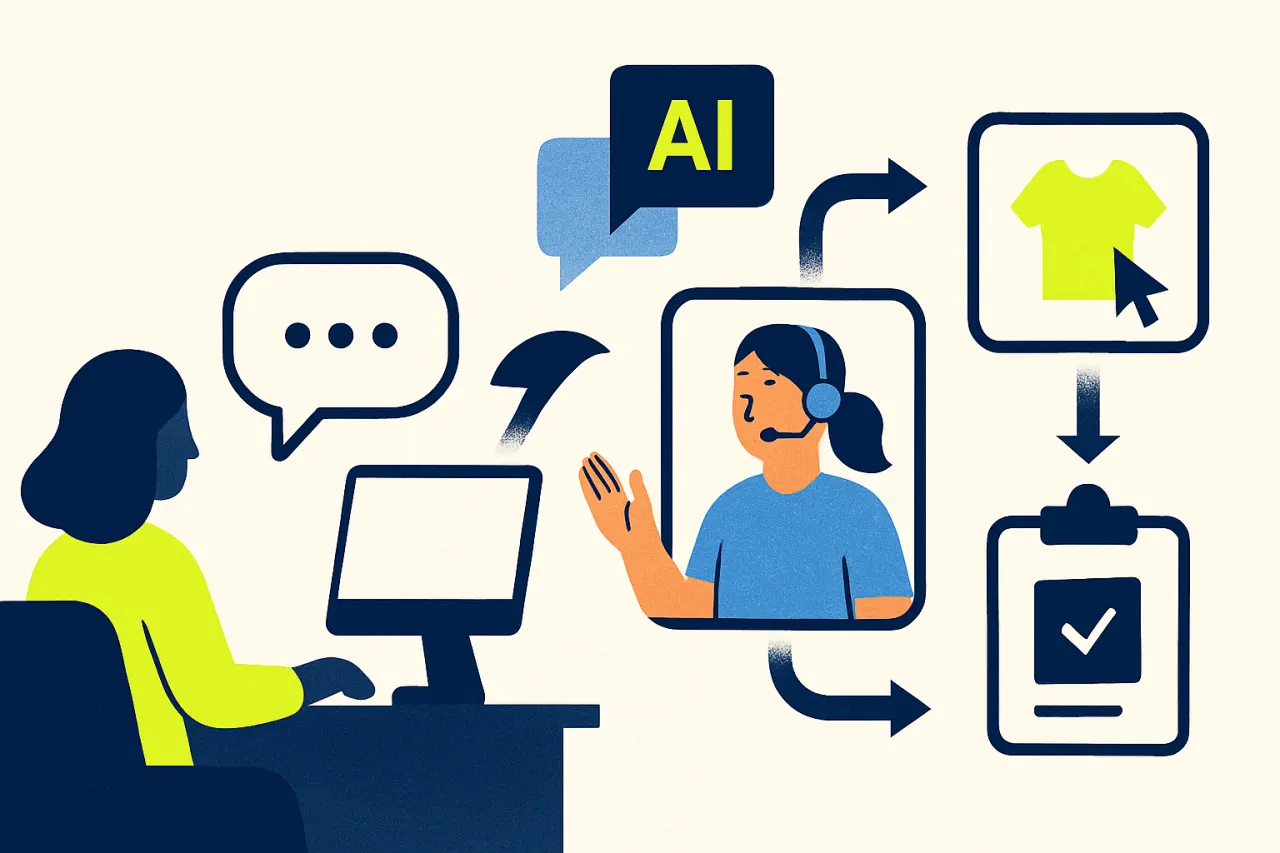
Most customer questions do not ask only for words, but for an action. Someone wants to change an order, register a return, correct an address or receive an invoice. A friendly answer is then half the work. The real result only appears once the accompanying action is actually carried out: the return label sent, the warehouse task created, the refund set in motion. It is precisely at that point that customer service often stalls, because the answer and the action live in two different worlds.
Workflows bridge that gap. A workflow is a recorded sequence of steps that starts at a customer question and ends at a completed action, without an agent having to do every step by hand. Below is what a workflow precisely is. Then why loose answers without follow-up carry so many hidden costs. And how a team builds a workflow that runs reliably from customer question to finished task.
Below is a concrete step by step plan to set up a first workflow. It names the most common mistakes and shows how a human keeps functioning as a safety net for exceptions. The goal is not to automate everything blindly, but to let the predictable part run reliably and to preserve the team's attention for the cases that genuinely matter.
Many teams see customer service as answering questions. But an answer that does not lead to a completed action does not solve the customer's problem. An agent neatly writes back that the return label is on its way, but then still has to create the label manually, fire off the warehouse task and prepare the refund. Between the answer and the action a gap appears in which things are left lying around, done twice or forgotten entirely.
Those manual in-between steps cost more than they seem. Every time an agent switches between systems, retypes an order number or has to nudge a colleague, time is lost and a chance for error creeps in. With a handful of questions a day that is manageable. With dozens or hundreds of questions it stacks up into an invisible mountain of administration that slows the whole team down and that nobody enjoys doing.
The damage is also visible on the customer side. A customer who is told something will be arranged and then hears nothing for days starts emailing or calling again. That repeat question is entirely avoidable, but it still burdens the team. And an action left lying around because of busy periods turns a satisfied customer into a dissatisfied one, precisely at the moment trust matters most. Giving an answer is cheap, but failing to keep the promise in that answer is expensive.
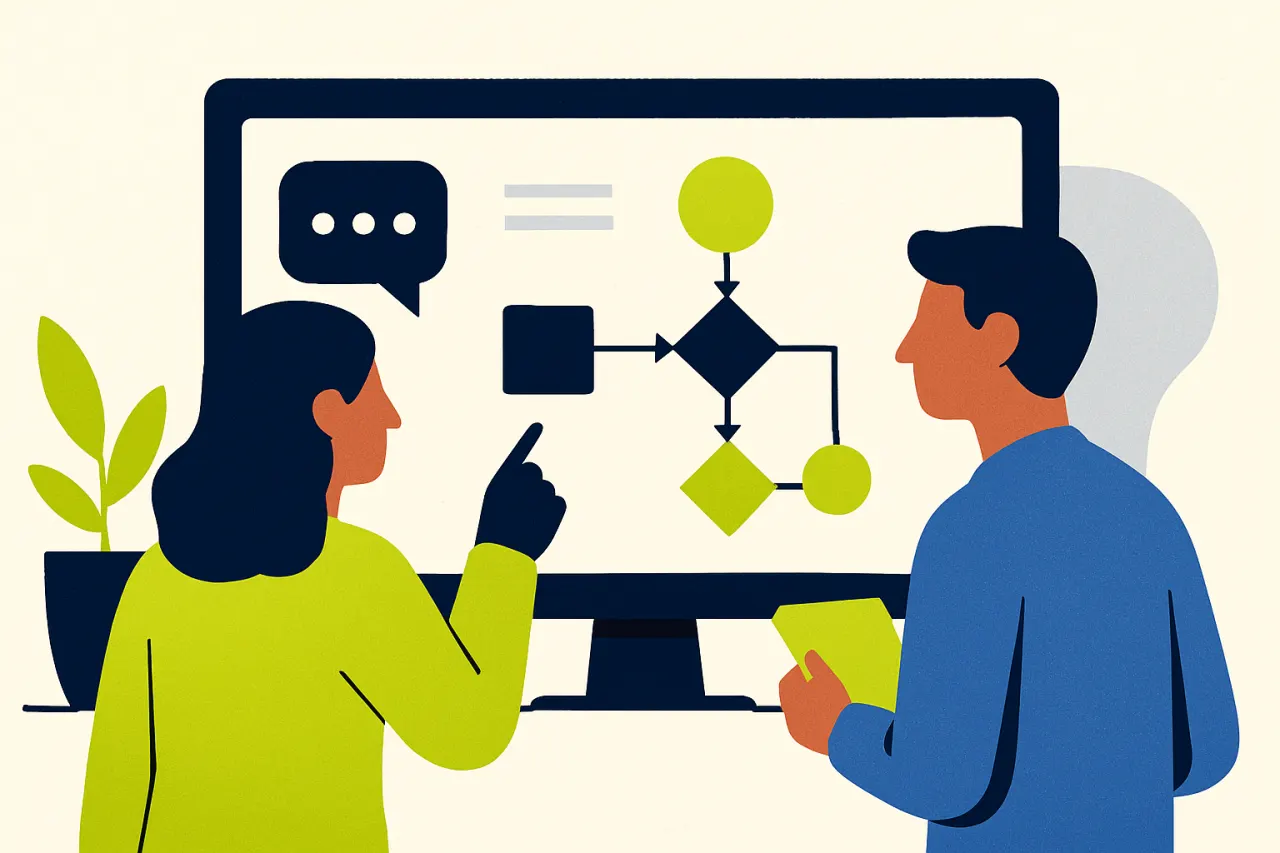
A good workflow does not arise by trying to automate everything at once, but by clearly mapping out one repeating process and letting it run step by step. The approach below works for almost every type of customer question that ends in a concrete action.
Do not start with the most complicated question, but with the question that comes in most often and always asks for the same steps. Think of a return request, an address change or a request for an invoice. Precisely because the flow is predictable, such a question lends itself perfectly to a first workflow. The gain is also directly measurable, because the volume is high.
A practical example: a webshop receives dozens of requests for a return label every day. Each time an agent looks up the order, checks the window, creates the label and emails it to the customer. Four actions, always the same. That is the ideal candidate to automate first, because every step is clear and repeatable.
A workflow starts with a trigger: the signal that sets the flow in motion. That can be an incoming question that AI recognises as a return, a ticket that gets a particular label, or a status change in the order. Also define the conditions under which the workflow may proceed, because not every question meets the rules.
In the return example, the trigger is a recognised return request. The condition is that the order falls within the return window and that the product is not excluded. If the request meets those conditions, the workflow proceeds. If it does not, the request is sent as a task to an agent rather than handled automatically.
A workflow is only smart once it knows which customer and which order it concerns. For that, AI needs context. The order history, the order data and earlier conversations. With that context the AI agent can interpret the question correctly and choose the right action, instead of giving a general answer that the agent still has to translate into an action.
Concretely this means the workflow automatically looks up the order as soon as the return request comes in. The AI sees what was ordered, when, and whether the window is still open. Without that link to customer data, a workflow remains a dumb script that only works if the customer happens to supply all the data neatly.
This is the heart of the workflow: the sequence of actions that produces the result. For a return that means generating a label, creating a warehouse task, sending the customer a confirmation and preparing the refund. Each step follows logically from the previous one and uses the context retrieved in the previous step.
It is important to keep the steps small and explicit. A workflow that jumps from question to refund in one unreadable leap is hard to check when something goes wrong. A workflow that consists of clear, nameable steps can be followed, tested and adjusted. That keeps visible where the flow exactly stands and where a possible problem sits.
No process always runs by the book. A return falls just outside the window, a product is not recognised, an address is wrong. A good workflow recognises these exceptions and sends them as a task to an agent, with all context attached, instead of stalling or carrying out a wrong action.
This safety net is not a weakness but precisely the strength of a reliable workflow. The team does not have to fear that the automation does strange things, because the edge cases always land with a human. That way the standard path is handled fully and the team keeps control over the cases that require judgement.
A completed action is only complete once the customer knows about it. The final step of almost every workflow is a clear message: the label has been sent, the change has been made, the refund has been started with the expected term. This prevents the repeat question and neatly closes the loop between question and action.
It is precisely this final step that is often forgotten in manual work, because an agent is busy with the next question. A workflow never forgets the confirmation. The customer knows exactly where they stand, and the team receives no unnecessary follow-up questions about something that was arranged long ago.
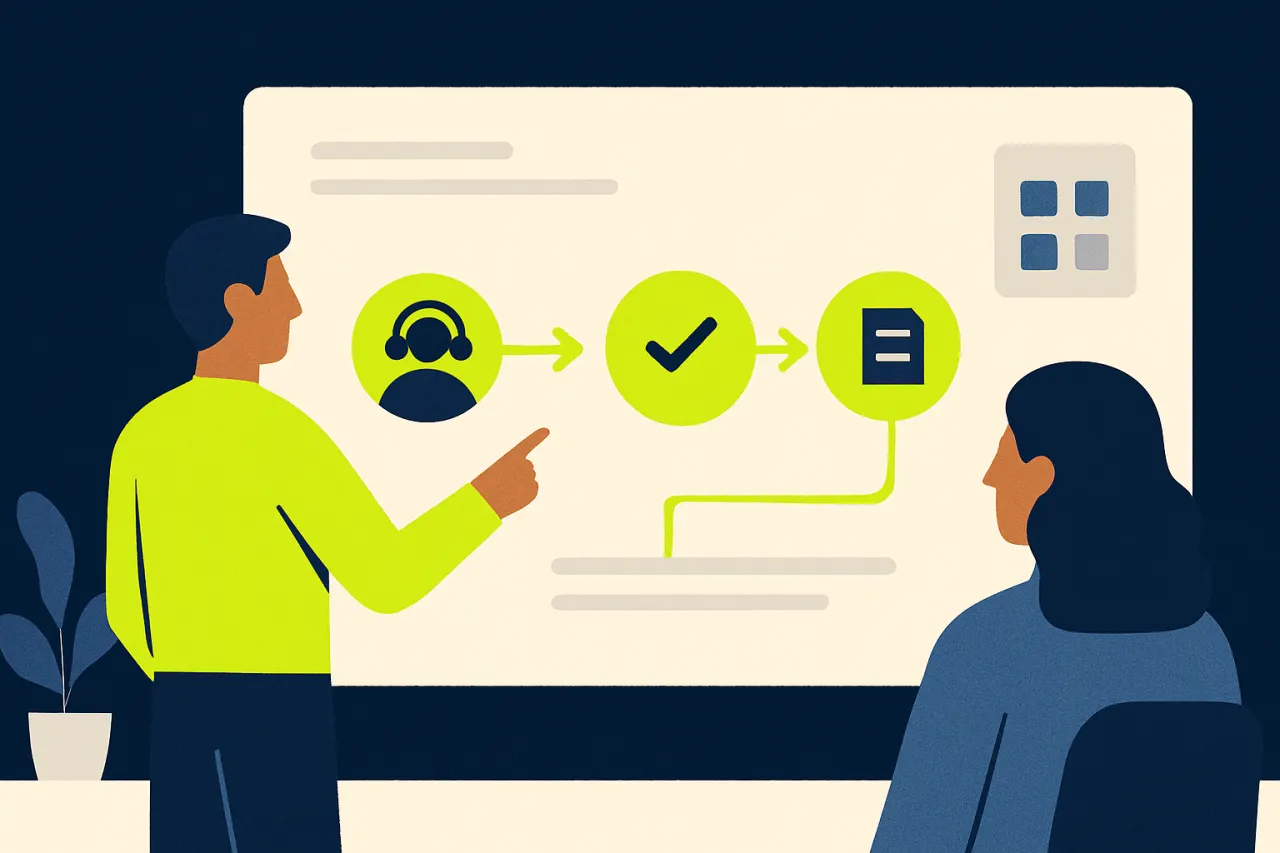
Workflows stall when a few things are overlooked:
Setting up a workflow is only valuable once it makes a measurable difference. The first figure to track is the share of questions handled fully by the workflow without an agent having to step in. If that share rises, the standard path runs as intended and the team keeps time for more complex matters. If it stays low, the workflow is probably set up too narrowly or too many cases land with a human as an exception.
A second metric is the lead time: how much time sits between the incoming question and the completed action. With manual work that time is determined by when an agent gets round to the task. A workflow carries out the steps immediately, which makes the lead time drop sharply. Compare the time before and after setting up the workflow to make the gain visible.
Finally, look at the number of repeat questions around an open action. If the messages asking is it sorted yet or where is my label disappear, the closing confirmation works. The reverse is just as instructive: if those questions keep coming, a clear message at the end of the flow is probably missing. A well-measured workflow shows not only that the automation works, but also where the next improvement lies.
A workflow is a recorded sequence of steps that starts at a customer question and ends at a completed action. Think of a return request that is automatically linked to the order, after which a label is created and the customer gets a confirmation. The agent steers the process, the workflow carries out the repeating steps. That way an answer is not only given, but actually followed up.
Customer service is not only about good answers, but about the action behind them. A workflow ensures that action is carried out reliably, from the incoming question to the confirmation to the customer. The predictable part runs on its own, the human stays available for the exceptions, and nothing is left lying around because it was busy. That is not a luxury but the difference between promising something and keeping it.
The key is to start small, map out one repeating process clearly and let it run step by step. Anyone who wants to build further will find depth at workflows with AI, tasks and follow-up and automating customer service. If you want to see how a question turns into a completed action in practice, book a demo and watch a workflow run from customer question to finished task.
Cuego
cuego.io
Your Cue to Go.
The Customer Contact Platform where conversations, customer data, knowledge, workflows, people and AI come together. Book a 30-minute demo and see it against your own situation.
30-minute demo · then we set it up together
Rather look for yourself first? Take the free website scan
See also
Everything in Cuego connects. Discover the modules, solutions and integrations that belong with this.